The Drum · Weekly AI news, freeSubscribe →

Share
Injured and unable to type, the author turned to voice commands and AI for coding, discovering unexpected productivity gains and challenging perceptions of tech reliance in development.
A few months ago, I broke my hand while biking to work in San Francisco, leaving me capable of typing only with my left hand. This unexpected setback forced me to rely heavily on a combination of voice-to-text and Claude (Anthropic's AI assistant) for coding. The results were surprising: not only did I manage to stay productive, but I also wrote over 3,000 lines of code in one week-mostly boilerplate, but still impressive given the circumstances.
This experience has convinced me that AI-assisted coding is not just a future possibility but a present reality with significant benefits. Here’s how I set up my workflow and what I learned along the way.
Initially, I tried using the built-in Voice Control feature on macOS. While it was decent for natural language tasks, it struggled with coding-specific commands. Terms like "eval" were often misinterpreted as "evil," making it impractical for writing code directly.
Since I was already familiar with AI code generation tools like Copilot, I decided to leverage Claude, Anthropic's AI assistant. My setup involved copying large chunks of the codebase into Claude and giving voice commands to transform or generate code. For example:
Claude wasn't perfect on the first try, but it was receptive to follow-up instructions and tweaks. This felt like pair programming with an AI partner who could execute my verbal commands.
While Copilot is a powerful tool, it became too slow for me in this context. It required me to write out half a line of code before suggesting completions, which was cumbersome with one hand. Expressing my goals in English and using Claude's capabilities proved much more efficient.
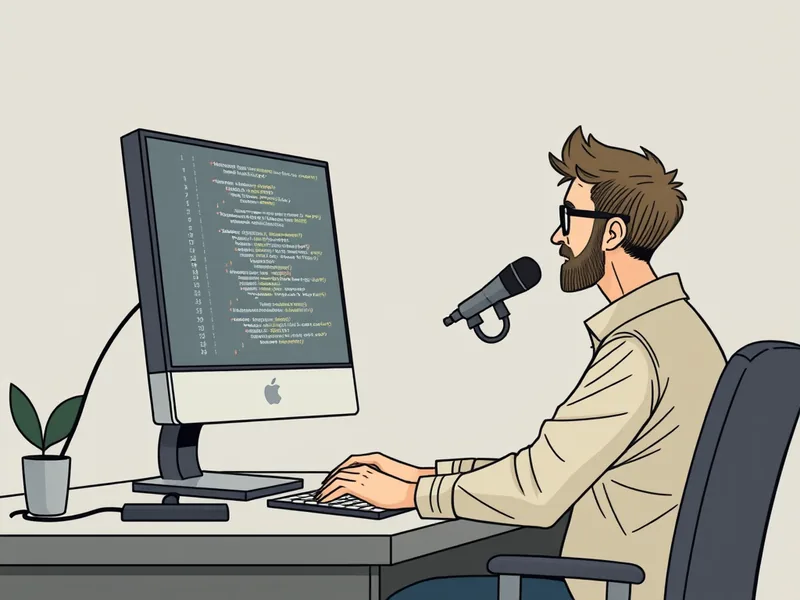
One of the key lessons I learned is the importance of being specific and providing examples when giving instructions to Claude. Generic requests often result in generic, non-specific code that doesn't fit your project. Here are some tips:
Claude has output length limits, which can be frustrating when working with large codebases. I found myself frequently copying and pasting between my IDE and Claude, manually stitching together truncated code snippets. While this was sometimes tedious, it was manageable once I got into a rhythm.
There were moments when Claude would forget earlier instructions or produce unexpected results, leading to some frustrating interactions. However, the ability to give follow-up commands and make tweaks kept the process productive. Being able to vent my frustrations verbally (thanks to voice-to-text) also made it more satisfying!
This experience has opened my eyes to the potential of AI-assisted coding. While there are still challenges, such as output length limits and the need for specific instructions, the benefits are undeniable. Pairing voice commands with powerful AI tools like Claude can significantly enhance productivity and make coding more accessible.
For anyone considering a similar setup, I highly recommend experimenting with AI assistants and voice-to-text systems. You might be surprised by how much you can achieve.
Tags
Original Sources
About the author
Kai built ML infrastructure at a Bay Area startup before developing an obsession with transformer architectures and inference optimisation that eventually pulled him out of product work entirely. A stint at a compute research lab sharpened his instinct for what actually matters in a model release versus what is marketing. He writes from the inside — from the perspective of someone who has debugged the systems he is describing at three in the morning. He is allergic to hype and instinctively drawn to the unglamorous plumbing questions that everyone else skips over.
More from The Engineer →This Week's Edition
6 August 2024
29 articles
Related Articles
Related Articles
More Stories
© 2026 Cedar & Bloom. All rights reserved.