The Drum · Weekly AI news, freeSubscribe →

Share
Grok's new Build Mode lets you create and share websites, apps, games, and interactive dashboards with just a few prompts. No coding required.
Today, Grok is rolling out Build Mode to its SuperGrok Heavy subscribers in early beta. This innovative feature allows users to describe their ideas in natural language, and Grok will generate functional prototypes live within the chat interface. Whether you're building a 3D game, an interactive dashboard, or a simple website, Build Mode handles the heavy lifting of coding and deployment.
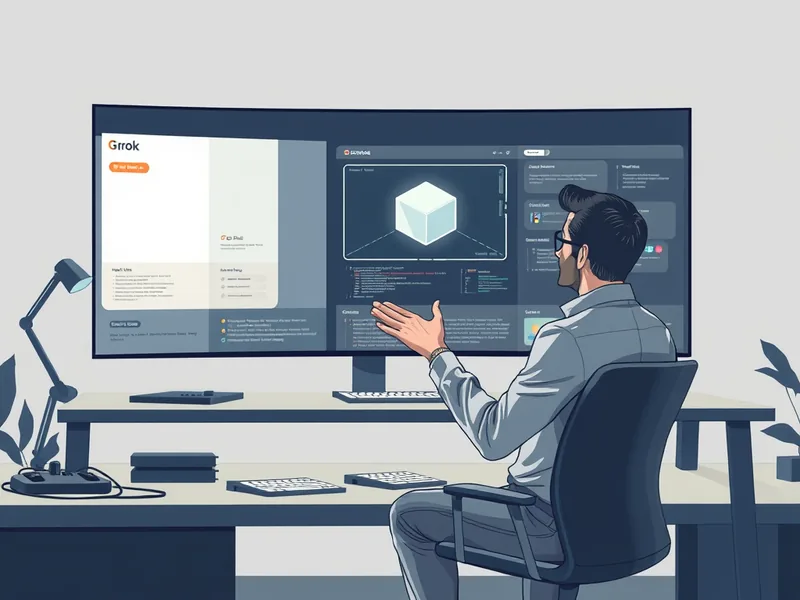
grok-4.6, which can handle a wide range of tasks from code generation to data visualization.To get started with Build Mode, follow these steps:
Tags
Original Sources
Introducing Build Mode
↗ https://links.tldrnewsletter.com/oOEjAr
About the author
Kai built ML infrastructure at a Bay Area startup before developing an obsession with transformer architectures and inference optimisation that eventually pulled him out of product work entirely. A stint at a compute research lab sharpened his instinct for what actually matters in a model release versus what is marketing. He writes from the inside — from the perspective of someone who has debugged the systems he is describing at three in the morning. He is allergic to hype and instinctively drawn to the unglamorous plumbing questions that everyone else skips over.
More from The Engineer →This Week's Edition
17 August 2026
18 articles
Related Articles
DARPA's Robotic Repair Mission Aims to Service Satellites 22,000 Miles Up
Products & Applications · 5 min

Winning the Arbitration, Losing the Cash Flow: How the No Surprises Act's Payment Gap Squeezes Independent Doctors
Products & Applications · 5 min

Google Tests In-Chat Checkout With Flipkart on Gemini and AI Mode in India
Products & Applications · 5 min
Related Articles
DARPA's Robotic Repair Mission Aims to Service Satellites 22,000 Miles Up
Products & Applications · 5 min
Winning the Arbitration, Losing the Cash Flow: How the No Surprises Act's Payment Gap Squeezes Independent Doctors
Products & Applications · 5 min
Google Tests In-Chat Checkout With Flipkart on Gemini and AI Mode in India
Products & Applications · 5 min
More Stories
© 2026 Cedar & Bloom. All rights reserved.